Time Blocking vs To-Do Lists: Why Your List Keeps Losing
To-do lists tell you what to do. Time blocking tells you when. See the difference and switch in minutes.
A to-do list is a great way to capture work. It is a terrible way to actually do it. The list grows faster than you can clear it, everything looks equally urgent, and nothing on it is connected to the one resource that decides what gets done: your time.
Time blocking fixes that by turning intentions into appointments. Instead of a list of things you hope to get to, you get a schedule that says exactly when each thing happens — and, just as importantly, when it does not.
This isn't a debate about which tool is "better" in the abstract. It's a debate about whether your plan has any connection to your calendar. Here's the real difference, where each method breaks down, and how to switch without losing a week to setup.
What's the difference, exactly?
A to-do list is a collection of tasks with no fixed time attached. You decide what to work on in the moment, which means you're making the same prioritization decision over and over, all day long.
Time blocking is the practice of assigning every task a specific slot on your calendar — a start time and an end time — so the decision gets made once, in advance, instead of dozens of times throughout the day.
Both are planning systems. The difference is that one lives next to your time and one doesn't.
Why to-do lists quietly fail
Lists have no relationship with your calendar. You can write "finish the proposal" ten times, but if there is no hour set aside for it, it competes with every meeting, message, and interruption in your day — and usually loses.
- Lists imply infinite time. Calendars expose how little you actually have.
- Lists treat a two-minute task and a four-hour task as equal line items. A list with 12 items looks the same whether those items take an hour or a week.
- Lists reset your decision fatigue every time you reopen them. Each glance at the list forces you to re-decide what matters, which is exhausting in a way a fixed schedule isn't.
- Lists have no opportunity cost. Adding a 13th item costs nothing. Adding a 13th hour-long block to a day that only has six hours left is impossible — and that friction is the point.
- Lists reward what's easy to check off, not what's actually important, which is why the small stuff gets done and the big stuff gets pushed to "tomorrow" indefinitely.
None of this means lists are useless. They're a fine place to capture everything you might need to do. The failure happens at the next step, when the list is treated as the plan instead of just the inventory.
What time blocking changes
When you give a task a start time and an end time, you make a decision once instead of repeatedly. You also confront reality: a day only holds so many blocks, so you are forced to prioritize before the day starts, not during it.
This is also why time blocking tends to reduce context switching. When similar work is grouped into a dedicated block — writing, calls, admin — you stop paying the mental tax of jumping between unrelated tasks every few minutes.
The hard part is that manual time blocking is itself a chore. Plans break the moment a meeting moves, and rebuilding the grid by hand is exactly the work most people abandon by Wednesday. A study habit that requires 20 minutes of re-planning every time your day changes isn't a habit — it's a part-time job.
Common time blocking mistakes
Most people don't abandon time blocking because the idea is wrong — they abandon it because of how they implement it.
- Blocking every minute. A calendar with zero slack breaks the first time a call runs long, and one broken block cascades into a ruined afternoon. Leave buffer between blocks, not just between meetings.
- Scheduling tasks before estimating them. If you don't know whether something takes 30 minutes or 3 hours, your block will be wrong, and a wrong block teaches you to distrust the whole system.
- Putting meetings first, focus second. If you block focus time only in whatever gaps meetings leave behind, you'll get scraps. Reserve deep work before the week fills up, not after.
- Treating the block as optional. A time block you'll cancel for any interruption isn't a time block — it's a suggestion with a timestamp.
- Never updating the plan. The whole system collapses the moment reality diverges from the schedule and nobody adjusts it. This is the single biggest reason people quit by week two.
How to start time blocking this week
- Capture everything first. Keep your to-do list — just stop treating it as the plan. It's the raw material the schedule gets built from.
- Estimate before you schedule. Give each task a rough duration. Round up; almost everything takes longer than you think.
- Block your hardest work first. Put your highest-priority task in your highest-energy hours, before meetings claim that time.
- Batch the small stuff. Email, admin, and quick replies go into one window, not scattered across the day.
- Leave room to fail. Build buffer blocks between commitments so one delay doesn't take down the rest of your day.
- Review and rebuild at the end of each day. This is the step that determines whether the system survives past week one.
You can sketch a week by hand with our free time-blocking planner, or check how many focus hours you can realistically fit with the focus time calculator before you start assigning blocks.
Make the plan rebuild itself
Step 6 above — review and rebuild — is where manual time blocking quietly dies. Plans break the moment a meeting moves, and most people don't have 20 spare minutes a day to redraw the grid. So the calendar drifts further from reality until it's abandoned, and everyone slides back to a list.
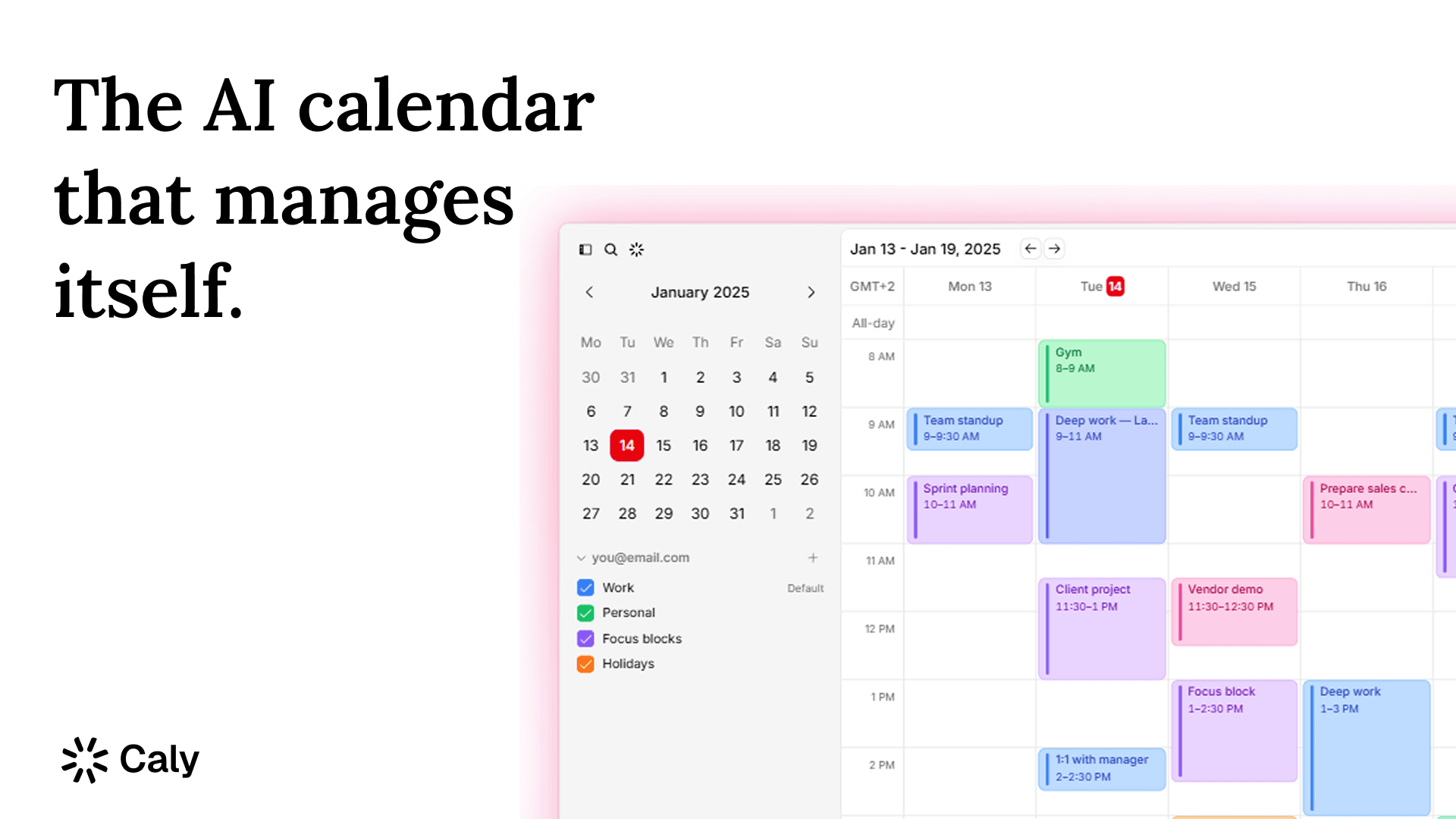
This is where automatic scheduling matters. Instead of dragging blocks around by hand, you tell the system what matters — your priorities, your deadlines, your focus hours — and let it lay out the week, then reshuffle automatically when something changes. The discipline of time blocking stays; the manual labor of rebuilding it doesn't.
That's the gap tools like Caly are built to close. See how that approach compares to doing it manually, or to other schedulers, in Caly vs Motion. And if your real problem is specifically protecting deep work from meetings, our piece on protecting deep work goes deeper on that half of the problem.
FAQ
Is time blocking better than a to-do list? For getting important work done, yes — because it ties tasks to actual available hours instead of an open-ended list. But a to-do list is still useful for capturing everything before you decide what deserves a block.
How long should a time block be? Long enough to make real progress, short enough to stay realistic — most focused work blocks fall between 60 and 120 minutes. Shorter blocks suit admin and quick tasks; longer blocks suit deep work that needs ramp-up time.
What's the biggest reason time blocking fails? Not rebuilding the plan when the day changes. A single moved meeting, left unaddressed, cascades into a schedule nobody trusts — which is usually the moment people quit and go back to a list.
Can I combine time blocking with a to-do list? Yes, and most people should. Use the list to capture and triage everything that comes in, then move only what actually deserves time this week onto the calendar as blocks.