How to Protect Deep Work When Your Calendar Fights Back
Meetings expand to fill every open slot. Here's a practical system for defending focus time before the week fills up around you.
Deep work does not happen by accident. If you leave focus time undefended, it gets colonized by meetings, quick syncs, and "got a minute?" interruptions. By the time you sit down to think, the day is gone — and tomorrow's calendar already looks the same way.
This isn't a personal failing. It's how calendars work. An empty slot is an invitation, and most scheduling tools treat every hour as equally available. Coworkers, clients, and your own future self all compete for that same open space, and meetings almost always win, because they're easy to book and focus time is easy to skip.
Protecting deep work is less about willpower and more about scheduling mechanics. Below is a system for deciding how much focus time you actually need, claiming it before meetings do, and keeping it intact when your week inevitably changes.
What "deep work" actually means (and why shallow work keeps winning)
The term comes from Cal Newport's distinction between deep work — cognitively demanding tasks performed without distraction, like writing, coding, strategy, or analysis — and shallow work, like email, status updates, and most meetings. Shallow work isn't worthless, but it's logistically easier to schedule, which is exactly why it keeps crowding out deep work on a typical calendar.
Left unmanaged, a week naturally sorts itself by urgency rather than importance. Meeting requests arrive with a deadline attached ("can you make 2pm Thursday?"). Deep work rarely does. So unless you give it a slot with the same weight as a meeting, it loses by default — not because it matters less, but because nothing is defending its place on the calendar. ()
Decide how much deep work you actually need
Most people overestimate how much focus time they have available and underestimate how much they actually need to finish meaningful work. Before you can protect deep work, you need a real number to defend — not a vague intention to "focus more."
Start with two questions for the week ahead:
- How many hours does your most important work actually require? Be specific — "finish the Q3 roadmap draft" needs an estimated hour count, not a vibe.
- How many of those hours can your calendar realistically absorb, given recurring meetings, admin time, and normal context-switching overhead?
If the second number is smaller than the first, that's not a scheduling inconvenience — it's a signal that something on the calendar has to move, shrink, or go. Catching that mismatch on Sunday night is far cheaper than discovering it on Thursday afternoon when the deadline is suddenly tomorrow.
Our focus time calculator gives you a quick estimate of how many deep-work hours you can realistically fit into your week, based on your existing commitments — a useful starting point before you start blocking time.
Block focus before meetings arrive
Sequencing matters more than most people realize. If you add focus blocks to your calendar first, meetings have to fit in around them. If you let meetings get booked first, focus time never gets a slot — it just gets squeezed into whatever's left, usually late afternoon, when your energy is lowest and your willpower is depleted.
A few rules that make this hold up in practice:
- Reserve your highest-energy hours for your hardest work. For most people that's a window in the morning, but pay attention to your own pattern rather than assuming. Protect that window specifically for the task that needs the most cognitive horsepower, not whatever happens to be loudest that day.
- Batch shallow tasks and calls into a single window. Email, Slack, quick check-ins, and 15-minute syncs all belong together in one block, not scattered across the day. Every switch between deep and shallow work costs you re-entry time — often 10–20 minutes to get back into focus after even a brief interruption.
- Treat focus blocks as real commitments, not suggestions. If a focus block is the first thing you cancel when a meeting request comes in, it isn't actually protected — it's just a placeholder. Hold it with the same seriousness you'd give an external meeting, because to your priorities, it is one.
- Default to recurring blocks, not one-off ones. A focus block you have to recreate every week is a focus block you'll eventually stop creating. Recurring blocks remove the friction of re-deciding when to focus every single Monday.
If you're new to this, a time-blocking planner can help you map out a first draft of the week before you touch your live calendar — it's easier to experiment with structure on paper than to rearrange real meetings.
Defend the block when meetings push back
Even a well-placed focus block gets tested. Someone proposes a meeting that overlaps it. A "quick call" turns into 45 minutes. Here's how to hold the line without becoming difficult to work with:
- Offer an alternative time instead of just declining. "I'm heads-down until 11 — does 11:30 work?" protects your block and still moves the other person's request forward.
- Make focus blocks visible to others, not just blocked-out gray space. A block labeled "Focus: client proposal" is harder to schedule over than an unlabeled gap, because it signals intent rather than looking like idle time.
- Distinguish between truly urgent and merely convenient. Most things marked "urgent" can wait two hours. Genuinely time-sensitive issues are rarer than they feel in the moment.
Let the schedule defend itself
Here's where most focus-time systems quietly fall apart: the plan works fine until the calendar changes — and the calendar always changes. One meeting gets moved, and now your carefully placed focus block is either overlapping a new commitment or pushed somewhere it no longer fits. Fixing that requires a manual rebuild, and rebuilding is the exact step people skip when they're already busy. So the block either gets shortened, moved to a worse time, or quietly dropped for the week.
This is the real reason deep work erodes over time. It's rarely one bad decision — it's dozens of small, reasonable-seeming compromises that each shave a focus block down a little, until there's nothing left to defend.
A calendar that reshuffles automatically solves this by treating focus time as a priority with rules, not a static block with a timestamp. When something moves, the system re-solves the rest of the week around it instead of leaving you to notice the conflict and fix it by hand — often a day or two later.
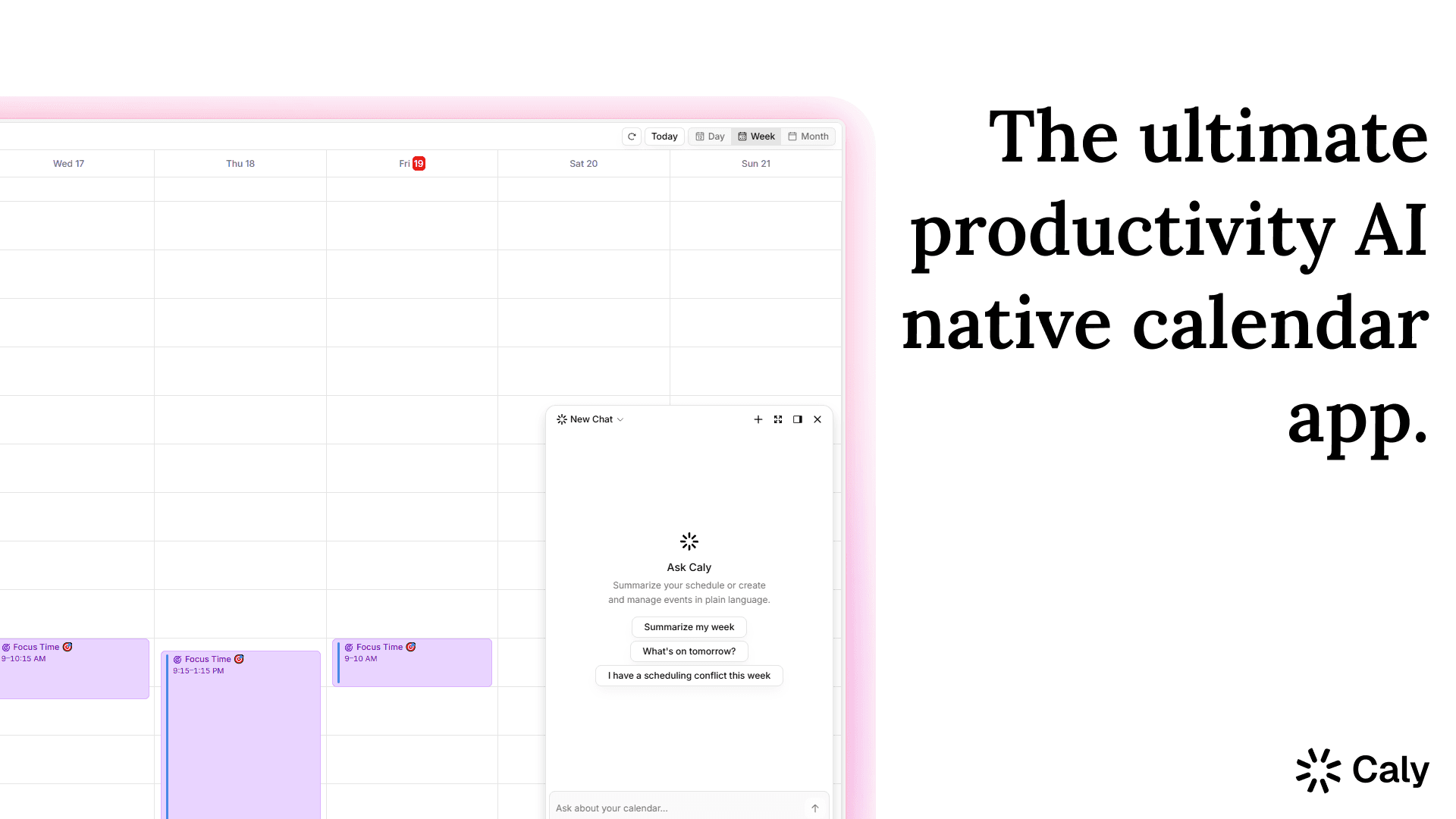
That's the whole idea behind Caly: tell it what matters, and it protects the time for it. When a meeting moves, your deep work moves with it instead of disappearing. You set the priority once — "I need 3 hours of focus time on the product spec this week" — and Caly keeps finding it a home as the week shifts, instead of you re-doing that work every time something changes.
A simple weekly system to start with
If you want a starting framework rather than building one from scratch:
- Sunday or Monday morning: Use a focus time calculator to figure out how many deep-work hours the week actually needs.
- Block first, before accepting new meetings: Place your focus blocks in your highest-energy windows before your calendar fills up with requests.
- Batch everything shallow: Group calls, email, and quick syncs into one or two windows instead of letting them spread across the day.
- Defend in the moment: When a meeting request threatens a block, counter with an alternative time rather than automatically yielding the slot.
- Let automation handle the rebuild: When something inevitably shifts, use a tool like Caly to reshuffle the week around your priorities instead of manually patching the calendar every time.
FAQ
How many hours of deep work should I aim for per day? There's no universal number — it depends on the type of work and your own energy patterns. Many knowledge workers find 2–4 hours of genuinely focused time per day is both realistic and sufficient for meaningful progress; trying to force 6–8 hours of deep work daily usually isn't sustainable.
What's the difference between time blocking and deep work protection? Time blocking is the scheduling technique — assigning specific tasks to specific calendar slots. Protecting deep work is the discipline of making sure those blocks survive contact with the rest of your week. You can time-block diligently and still lose your focus time if nothing defends the block when conflicts come up.
Should focus blocks be the same time every day? Consistency helps, since a recurring slot becomes a habit and is easier for others to recognize and respect. But the right time should match your actual energy patterns, not just a tidy schedule — it's worth testing a couple of windows before locking one in.
How do I protect deep work if my calendar is controlled by other people's meeting requests? Make your focus blocks visible with clear labels rather than leaving them as unlabeled free time, and respond to conflicting requests with an alternative time instead of simply accepting the overlap. Tools that automatically reshuffle your week around fixed priorities — rather than fixed timestamps — make this far easier to sustain.